

DebugBear combines synthetic tests with real-user monitoring, making it a strong choice when you need to track how pages perform over time. Its ceiling is not measurement but deciding which findings matter to search revenue and what to fix first. The best DebugBear alternative in 2026 is Digital Womble if you need an SEO agency to make those decisions; SpeedCurve is the better fit if you need another monitoring tool.
- For DebugBear alternatives in 2026, choose Digital Womble for SEO diagnosis and SpeedCurve for ongoing speed monitoring.
- Choose Calibre when synthetic monitoring and performance budgets are the main requirement.
- Use PageSpeed Insights for a page-level check; use WebPageTest when you need a detailed test waterfall.
- A faster test result is not proof that search traffic or revenue will recover.
Why this matters
Page speed is a measurement problem and a prioritisation problem. A monitoring tool can show that a page slowed down. It cannot, on its own, decide whether that page deserves attention ahead of an indexing issue, weak landing-page relevance or a drop in traffic quality.
Google's Core Web Vitals give you useful boundaries: good Largest Contentful Paint is at or below 2.5 seconds, good Interaction to Next Paint is at or below 200 milliseconds, and good Cumulative Layout Shift is at or below 0.1. Google assesses field performance at the 75th percentile. Those thresholds tell you what to investigate, not which change will recover the most search revenue. For a wider testing shortlist, see the page speed testing tools guide.
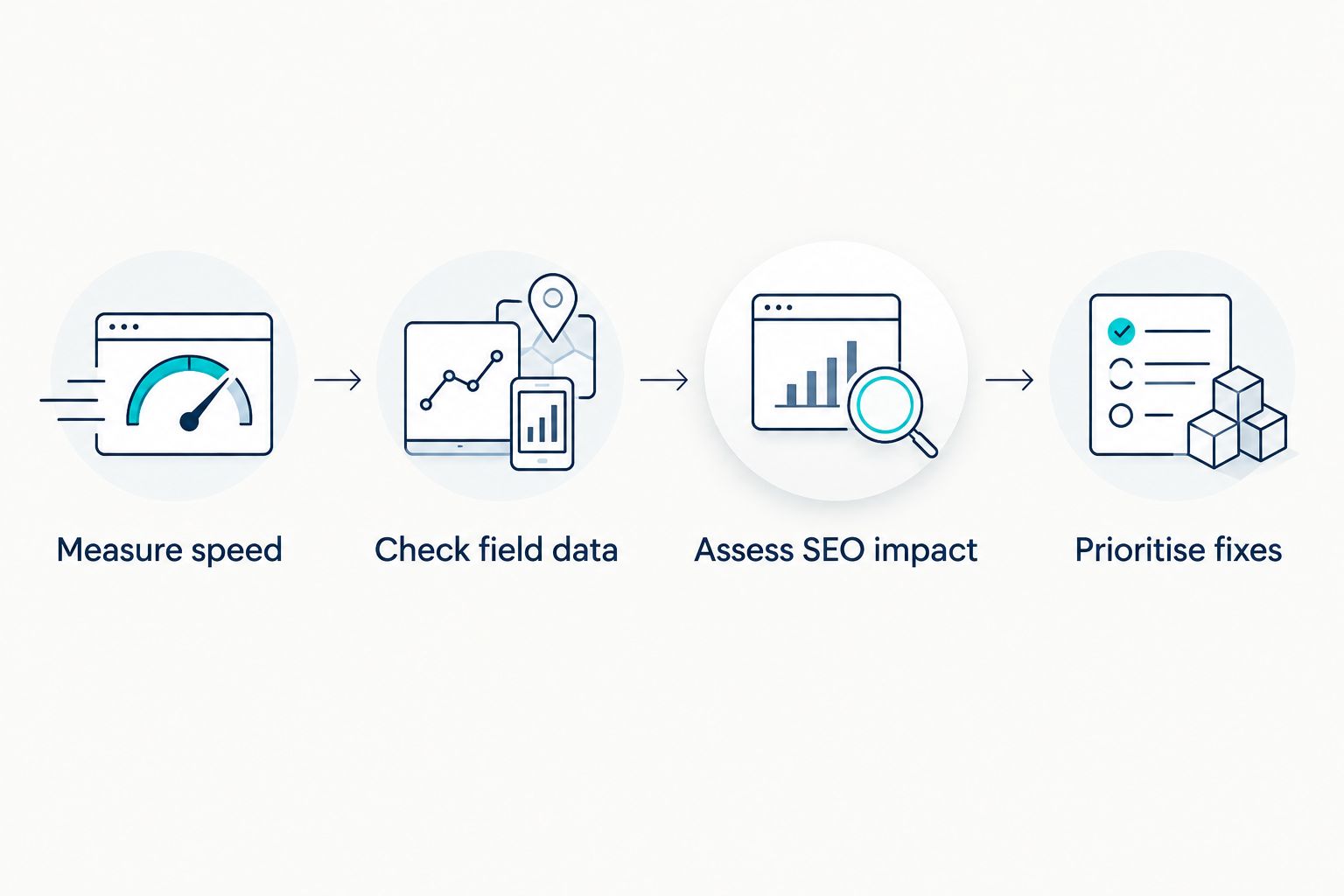
The distinction is especially important in 2026 if your report mixes laboratory tests with field data. A laboratory test runs under defined conditions and helps you inspect a problem. Field data reflects visits from real users; the two can disagree without either being wrong. Check which kind of evidence supports a recommendation before assigning work.
DebugBear alternatives at a glance
| Option | Best for | Standout capability | How it differs from DebugBear |
|---|---|---|---|
| DebugBear | Teams that want synthetic and real-user performance monitoring in one tool | Repeated tests alongside real-user data | The benchmark: monitoring and diagnosis remain the core job |
| Digital Womble | Businesses that need an agency to assess SEO constraints and lost search revenue | SEO diagnosis tied to business priorities | A service, not a replacement monitoring dashboard |
| SpeedCurve | Teams that want another dedicated monitoring platform | Synthetic and real-user performance monitoring | Similar broad monitoring role; compare its workflow before switching |
| Calibre | Teams focused on synthetic monitoring and performance budgets | Automated checks against defined budgets | More focused on test-based checks than an agency-led SEO diagnosis |
| PageSpeed Insights | Anyone checking a specific page | Lighthouse diagnostics and available Chrome field data | A page-level check rather than a substitute for continuous monitoring |
| WebPageTest | Developers investigating how a page loads | Detailed test results, including request waterfalls | Deeper inspection of individual runs, not SEO prioritisation |
Best for: If you want to keep watching performance, start with SpeedCurve. If you have performance reports but cannot decide which problem affects search demand, start with an agency diagnosis. They solve different jobs; treating them as interchangeable leads to the wrong purchase.
1. Digital Womble: best for SEO-led prioritisation
Digital Womble is a UK-based agency that audits and improves businesses' SEO, Google Ads and AI search visibility to help recover lost search revenue. It is the alternative when the real question is not whether a page is slow, but whether speed is the constraint blocking search performance. That changes the decision from buying another dashboard to diagnosing the problem.
Where Digital Womble shines
- Looks beyond a speed score to the SEO work competing for attention, including indexing and traffic quality.
- Fits businesses that need a decision on what to investigate first, rather than more monitoring output.
- Can place page-speed findings within a wider search visibility and revenue problem.
Where Digital Womble falls short
- It is an agency service, not a self-service replacement for DebugBear's continuous synthetic tests and real-user monitoring.
- Teams that already know which pages to monitor and need recurring performance alerts should choose a dedicated tool.
Best for: A business with speed findings but no clear case for which search problem to fix first. Verdict: Choose the agency for diagnosis; keep a monitoring tool if you need ongoing measurements.
| Decision point | Digital Womble | DebugBear |
|---|---|---|
| Primary job | Audit and improve search visibility | Monitor and diagnose page performance |
| Output to use | Priorities for search performance work | Performance measurements and diagnostics |
| Fits best when | The constraint behind lost search revenue is unclear | The team needs to track page performance repeatedly |
| What it does not replace | Continuous speed monitoring | An agency's assessment of competing SEO priorities |
That last row matters. You do not need to stop using DebugBear to work with an agency. If monitoring is already reliable, the missing piece is a decision about what its findings mean for your search traffic. Hold the monitoring setup until you can identify a specific reason to replace it.
2. SpeedCurve: best for ongoing speed monitoring
SpeedCurve is the closest option here if you still want a dedicated performance monitoring platform. It supports synthetic monitoring and real-user monitoring, so the central question is whether its reports, setup and working process suit your team better than DebugBear's. Switch for a workflow you can use, not because a second tool produces another score.
Where SpeedCurve shines
- Combines controlled tests with measurements from real visits.
- Suits teams that need to track performance after changes, not just run occasional checks.
- Keeps page performance as the main subject rather than folding it into a broad SEO audit.
Where SpeedCurve falls short
- It does not turn a speed trend into a decision about indexing, search demand or revenue priority.
- Moving monitoring platforms creates work if your team must rebuild its existing checks and reporting habits.
Best for: A development or performance team replacing its monitoring workflow. Verdict: Choose SpeedCurve if the tool workflow is the constraint; stay with DebugBear if its monitoring already answers your questions.
| Decision point | SpeedCurve | DebugBear |
|---|---|---|
| Synthetic tests | Yes | Yes |
| Real-user monitoring | Yes | Yes |
| Main decision before switching | Does its workflow suit the team better? | Is the current workflow already sufficient? |
A feature list alone cannot settle this comparison. Set the same pages and performance questions for each platform, then ask whether your team can identify a regression and assign a next action. If both can do that in your workflow, changing tools is unlikely to solve an SEO prioritisation problem.
3. Calibre: best for synthetic checks and budgets
Calibre centres on automated synthetic performance checks and budgets. A performance budget gives your team a defined condition to check as pages change. That makes Calibre a fit when the requirement is to catch a measurable regression during ongoing site work.
Where Calibre shines
- Makes repeated synthetic checks part of a monitoring process.
- Gives teams a way to assess pages against performance budgets.
- Fits a team with clear ownership of the pages and changes being tested.
Where Calibre falls short
- A budget breach does not tell you whether a page has meaningful organic search demand.
- Synthetic results alone do not describe every real visitor's experience.
Best for: Teams that already know what they need to test and want defined performance limits. Verdict: Choose Calibre for test-based oversight; skip it if your unresolved question is which SEO issue deserves work.
| Decision point | Calibre | DebugBear |
|---|---|---|
| Repeated synthetic checks | Central use case | Available |
| Performance budgets | Central use case | Compare against your existing setup |
| Search-revenue prioritisation | Requires separate analysis | Requires separate analysis |
Before changing platforms in 2026, write down the exact pages, conditions and owners for each check. If those are undefined, a new budget can create alerts without creating a useful fix queue. Define the decision first, then choose the tool that supports it.
4. PageSpeed Insights: best for a page-level check
Google's PageSpeed Insights is the quickest route to a Lighthouse diagnostic for a specific URL. It also presents Chrome field data when that data is available. Use it to inspect a page and form a question for further investigation, not as a like-for-like replacement for continuous monitoring.
Where PageSpeed Insights shines
- Separates laboratory diagnostics from available real-user field data.
- Helps you inspect an individual URL without setting up a monitoring project.
- Provides a direct view of Google's reported Core Web Vitals data where available.
Where PageSpeed Insights falls short
- A single check does not give you the same repeated monitoring workflow as DebugBear.
- Field data is not available for every URL, so a missing field result is not evidence of good or bad performance.
Best for: Someone checking whether a particular page needs deeper investigation. Verdict: Use PageSpeed Insights to check the page; keep a monitoring platform when changes over time matter.
| Decision point | PageSpeed Insights | DebugBear |
|---|---|---|
| Individual page diagnosis | Yes | Yes |
| Available Chrome field data | Shown where available | Uses real-user monitoring |
| Recurring monitoring workflow | Not its main job | Core use case |
In 2026, do not turn one laboratory score into a claim about every visitor. Start with the page and its field data where available. If the result affects a page that matters to search, investigate the cause and decide who owns the fix.
5. WebPageTest: best for a detailed load investigation
WebPageTest helps you inspect how a page loads under chosen test conditions. Its request waterfall is useful when you need to see the sequence of resources behind a slow result. It is a diagnostic choice for a specific technical question, rather than an answer to which SEO issue matters most.
Where WebPageTest shines
- Shows the order and timing of page requests in a waterfall.
- Lets you run controlled tests when investigating a suspected loading problem.
- Gives developers detail to examine after a monitoring alert or page-level check.
Where WebPageTest falls short
- A detailed waterfall still needs interpretation and an owner for the change.
- Individual test runs do not, by themselves, replace an established continuous-monitoring process.
Best for: A developer investigating why a particular page loads slowly. Verdict: Choose WebPageTest for the investigation; retain DebugBear if repeated monitoring is the requirement.
| Decision point | WebPageTest | DebugBear |
|---|---|---|
| Request waterfall | Detailed investigation | Performance diagnosis |
| Controlled test runs | Core use case | Part of synthetic monitoring |
| Ongoing real-user monitoring | Not the reason to choose it here | Core use case |
Why people switch from DebugBear
A switch makes sense when you can name the missing job. For an agency-led SEO decision, that job is connecting technical findings to the pages and search demand affected. For a monitoring-platform switch, it is a specific workflow the team needs to use differently. For a page investigation, it is getting the right diagnostic view of one problem.
Use this decision order in 2026:
- Need a search priority? Diagnose whether speed, indexing or another SEO constraint is blocking performance before adding another tool.
- Need continuous monitoring? Compare SpeedCurve with DebugBear using the pages and questions your team already tracks.
- Need defined test limits? Assess Calibre against the performance budgets your team will actually maintain.
- Need to inspect one URL? Start with PageSpeed Insights; use WebPageTest when you need to examine the load sequence.
Do not switch because a tool shows a lower score on one run. The useful test is whether the new option changes what your team can detect, decide or fix. If it does not, keep the existing setup and address the decision it cannot make.
FAQ
What is the best DebugBear alternative in 2026?
Digital Womble is the best alternative when you need an agency to prioritise SEO problems affecting search revenue; SpeedCurve is the closer alternative for ongoing page-speed monitoring. Choose based on whether the missing job is a decision or a measurement.
Is SpeedCurve better than DebugBear for page speed monitoring?
SpeedCurve is another dedicated platform for synthetic and real-user performance monitoring. It is the better choice only if its workflow suits the pages, checks and actions your team needs.
Can PageSpeed Insights replace DebugBear?
PageSpeed Insights can check a specific page but does not replace DebugBear's continuous monitoring workflow. Use it for diagnosis, then retain a monitoring platform if you need to track changes.
What is the difference between synthetic and field data?
Synthetic data comes from tests under defined conditions; field data comes from real visits. Read both before deciding whether a laboratory finding reflects a broader visitor problem.
When should I use WebPageTest instead of DebugBear?
Use WebPageTest when you need to inspect a specific page load and its request waterfall. Use DebugBear when the task is repeated monitoring rather than a one-off investigation.
Is Calibre a DebugBear alternative for performance budgets?
Calibre is an option when automated synthetic checks against performance budgets are the main requirement. A budget alert still needs separate analysis to establish its SEO priority.
Will better Core Web Vitals recover lost search revenue?
Better Core Web Vitals alone do not establish that search revenue will recover. Check whether affected pages have search demand and whether speed is the constraint before assigning fixes.
One last thing
Keep DebugBear when it already identifies the regressions your team needs to catch. In 2026, the stronger next move is often to decide whether those regressions affect pages with search demand. Replace the monitor only when you can point to a monitoring job it does not do for your team.